How to Turn Your Home Stereo Into a Sonos Wireless System
Are you looking to get the full Sonos experience, but already have a home stereo system you love? If you’re hoping to turn that system into a Sonos one, you’re in luck! It’s possible to upgrade your home stereo setup and transform it into a wireless controlled system. Here is a comprehensive guide on how to turn your home stereo into a wireless Sonos system.
What Is a Sonos System?
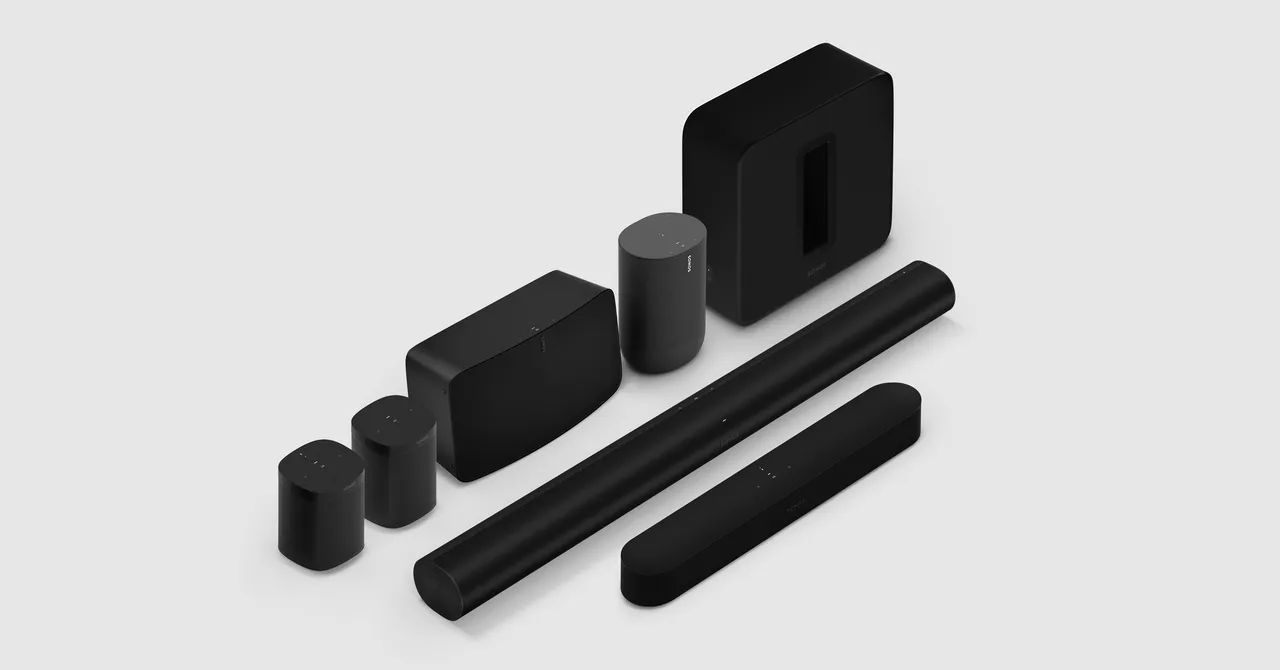
The Sonos system lets you play music, podcasts, and radio from a variety of sources all through one unified app. The Sonos app allows you to control your music from anywhere in the house through a wireless connection. The goal is to give you a complete home audio setup without having to plug anything in manually. With the Sonos system, you have the ability to stream music from multiple sources and speakers.
What Do You Need?
In order to turn your home stereo system into a wireless Sonos one, you’ll need the following items:
- A Sonos Amp
- An audio source such as a record player, television, or compact disc player
- Playbar speakers to connect to the amp
- Wiring and/or cables needed to connect all the components
If you already have a home stereo setup and are looking to get rid of the wires, chances are you don’t need everything listed above. You’ll only need the Sonos Amp instead of a full setup.
Step-by-Step Instructions to Setting Up Your Sonos System
Once you have all the necessary components to turn your home stereo into a wireless Sonos setup, you’re ready to begin the setup process.
Step 1: Plug In the Sonos Amp
Start by plugging the Sonos Amp directly into the wall and turning it on. The amp should now be ready to sync up with the network in your home.
Step 2: Connect Your Audio Sources
Next, take the necessary wiring and connect your audio sources to the Sonos Amp. Depending on the type of audio sources you have, this could be as simple as an aux cable or as complex as a full series of cables to ensure the quality of sound.
Step 3: Connect the Playbar Speakers
Follow the instructions that come with the Playbar speakers and connect them to the Sonos Amp. This is the device that will create the wireless connection of your home stereo to the Sonos system.
Step 4: Install the Sonos App
Download and install the Sonos app for your phone or tablet. This is the app that you will use to control the music playing in your home.
Step 5: Setting up Your Sonos System
Now you are ready to begin setting up your Sonos system. Open the Sonos app and follow the onscreen instructions to sync your audio sources and Playbar speakers to the Sonos Amp. Once the process is complete, you can easily control the music playing in your home simply by using the Sonos app.
Advantages of Turning Your Home Stereo Into a Sonos System
Turning your home stereo into a Sonos system gives you a range of advantages:
- Eliminates having to get up to manually change music or adjust the volume.
- Increases the overall sound quality of your system with the use of the Playbar speakers.
- Allows you to wirelessly control the audio sources connected to your Sonos system.
- Gives you the ability to quickly stream music from services such as Apple Music, Amazon Music, or Spotify.
- Helps you take advantage of voice control with compatible voice assistant devices, such as Amazon Alexa or Google Assistant.
By turning your home stereo into a Sonos system, you’re able to get the full Sonos experience without having to buy a brand-new setup. With the help of this guide, you can easily upgrade your home stereo into a seamless wireless system. Whether you’re a music aficionado or just looking for an easy way to control the music playing in your home, the Sonos system has something for everyone.