The Best MacBook Accessories to Buy
In this digital age, owning a laptop is essential for most jobs and activities, whether you’re taking classes or using it for work. MacBooks have established themselves as the go-to laptops for efficient and reliable performance, and owning one definitely gives you a certain edge. But to truly make the most out of your MacBook, you should consider investing in some must-have accessories that will take it up a notch.
What to Look for When Buying Accessories
Before you buy any accessories, it’s important to keep in mind your use case. Analyzing what you intend to use your MacBook for along with the specs of your device will help you narrow down your choices to find the right accessories for your needs. Need some help? Here are the most important factors you should consider when shopping for accessories:
• Compatibility: All MacBook accessories must be compatible with your device’s specs. Running an old operating system? Make sure the accessory works with older versions of OS X.
• Durability: You’ll want something that’s built well enough to survive daily wear and tear. Quality material and reinforced construction are often indicators of durability.
• Functionality: Check if the accessories provide the features you need to get the most out of your MacBook. When in doubt, read reviews to find out what other people are saying about the performance.
• Price: Don’t forget to take budget into account. Your neighborhood electronics store often has great deals if you’re working on a budget.
Now that you know what to look for, let’s look at the best MacBook accessories you can buy!
Mouse
When it comes to pointing devices, you can’t do much better than a mouse. The right mouse will help you work accurately and faster on documents and projects, no matter where you’re using your MacBook. Here are our favorites:
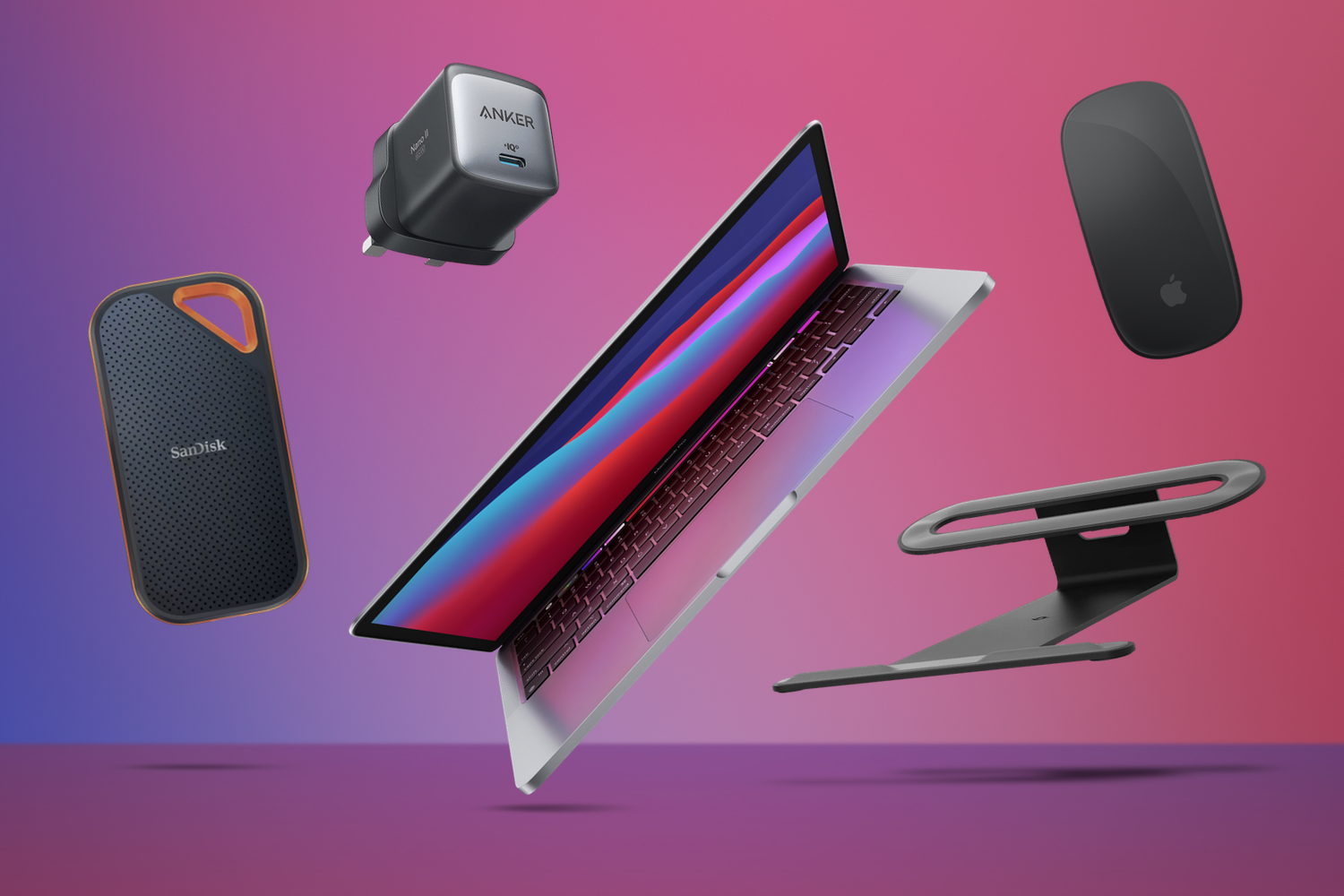
• Apple Magic Mouse 2: Sleek and equipped with sensors that recognize your hand movements, the Magic Mouse 2 is definitely worth the money.
• Logitech MX Master 2S: This mouse is multi-device compatible and comes with USB-C rechargeable feature.
Keyboard
While a laptop may come with a built-in keyboard, investing in a separate one is highly recommended. After all, a good keyboard should be comfortable to type with, and the right one will help you avoid a lot of strain on your fingers and wrists. Check these out:
• Magic Keyboard: It comes with an intuitive design and comfortable tactile keys, plus you can use it seamlessly with all devices.
• Logitech K380: This one is perfect if you like having multiple Bluetooth devices connected to your laptop.
Cables
USB hubs, Ethernet cables, and Thunderbolt 3 cables are a must for any MacBook user. Here are some of the best cables to get:
• Anker USB C to USB adapter: Transferring files between computers or watching movies in HD won’t be an issue when you have this adapter handy.
• Dynamix USB 3.0 cables: Boasting a universal design, this cable can transfer data at lightning speeds.
• J5create USB-C Multi-Adapter:: Connect to LAN and HD monitors with this nifty adapter.
Cases
Keep your MacBook safe and sound with a protective case or sleeve. You can even find water-resistant cases which can protect your device from unexpected spills. Here are our top picks:
• Kuzy Cases: Made from real leather, these sleek cases are perfect for the modern, professional look.
• Thule Gauntlet: This case is dust and water-resistant plus it even comes with a shoulder strap for when you need to grab your laptop and go.
• Inateck Sleeve: Got some extra cash to spare? Then don’t miss out on this fashionable, laptop-friendly case.
Docking Station
Take your laptop to the next level with a docking station. Let your MacBook do more by connecting it to multiple external fuel components, like hard drives and larger displays. Here are some of the best docking stations you can buy:
• OWC Thunderbolt 3 Dock: This docking station effortlessly connects up to eight devices to your Mac.
• Plugable TBT3-UDV: It comes with a 23-inch cable which allows you to place your laptop wherever you want.
• Caldigit TS3 Plus: This dock comes with 15 ports including dedicated slots for USB 3.1, Dual 4K displays, and even legacy ports.
Hard Drives
Don’t get caught with limited disk space. Increase your storage capacity with a reliable external hard drive. Here are the best ones available in the market:
• Samsung T5: This slim and stylish external hard drive offers fast data transfer speeds of up to 540 MB/s.
• LaCie Portable SSD: You can rely on this shock and water resistant hard drive to deliver storage performance that is up to five times faster than SATA.
• Seagate Backup Plus: Perfect if you want a drive that makes the process of backing up your data simple and easy.
Finding the best accessories for your MacBook can be a tedious task. Some are expensive, others break easily, and some may not even be compatible with your device. To simplify your shopping process, make sure you consider the factors mentioned above and pick accordingly. So, what are you waiting for? Get started by finding the perfect accessories for your MacBook today!